 Bible Studio
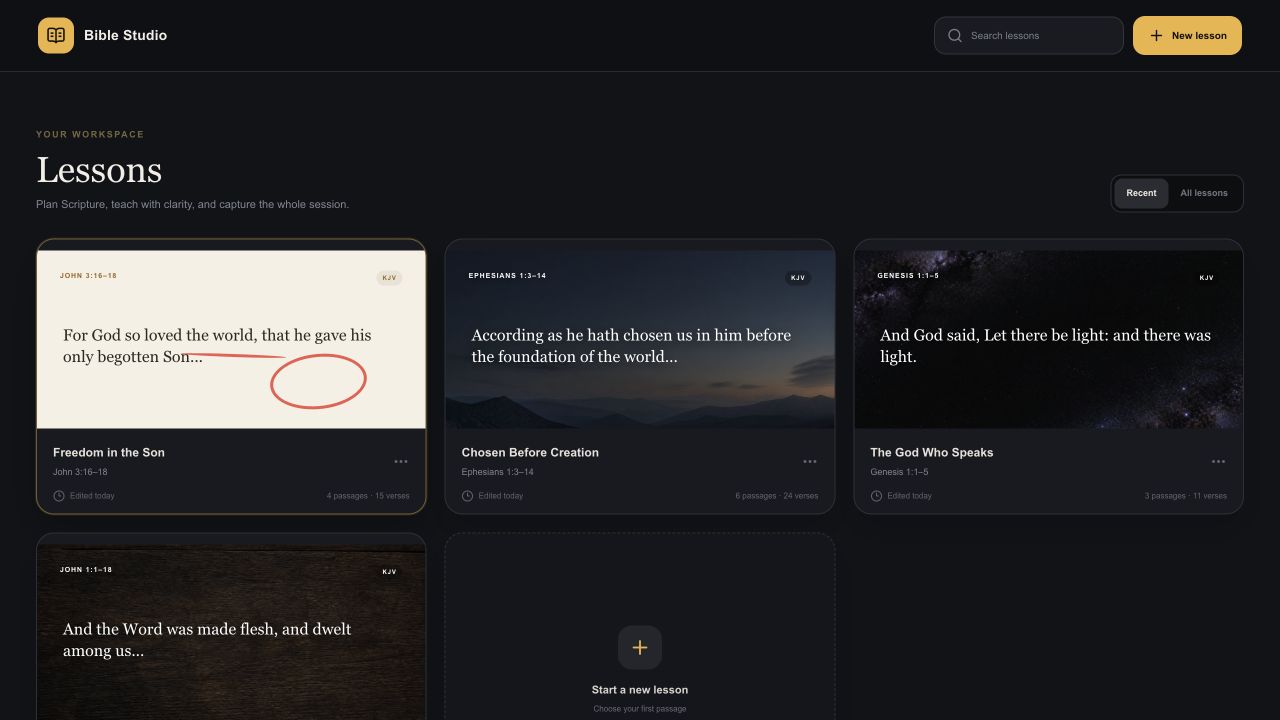
JOHN 3:16–18KJV
For God so loved the world, that he gave his only begotten Son…
Prepare deeply. Teach clearly.
01 · Plan
Paste Scripture, preview your passages, split dense text, and reorder the whole lesson until the movement feels right. See the message as one connected arc before you teach a word of it.
02 · Study
Mark the text with Apple Pencil, shape the canvas, and keep a notes layer close. Your preparation stays anchored to the passage instead of scattering across apps, paper, and tabs.
16 For God so loved the world, that he gave his only begotten Son, that whosoever believeth in him should not perish, but have everlasting life.
17 For God sent not his Son into the world to condemn the world; but that the world through him might be saved.
03 · Present
See your private notes, the next passage, and the whole lesson flow while the audience sees one clean, focused Scripture canvas on the external display.
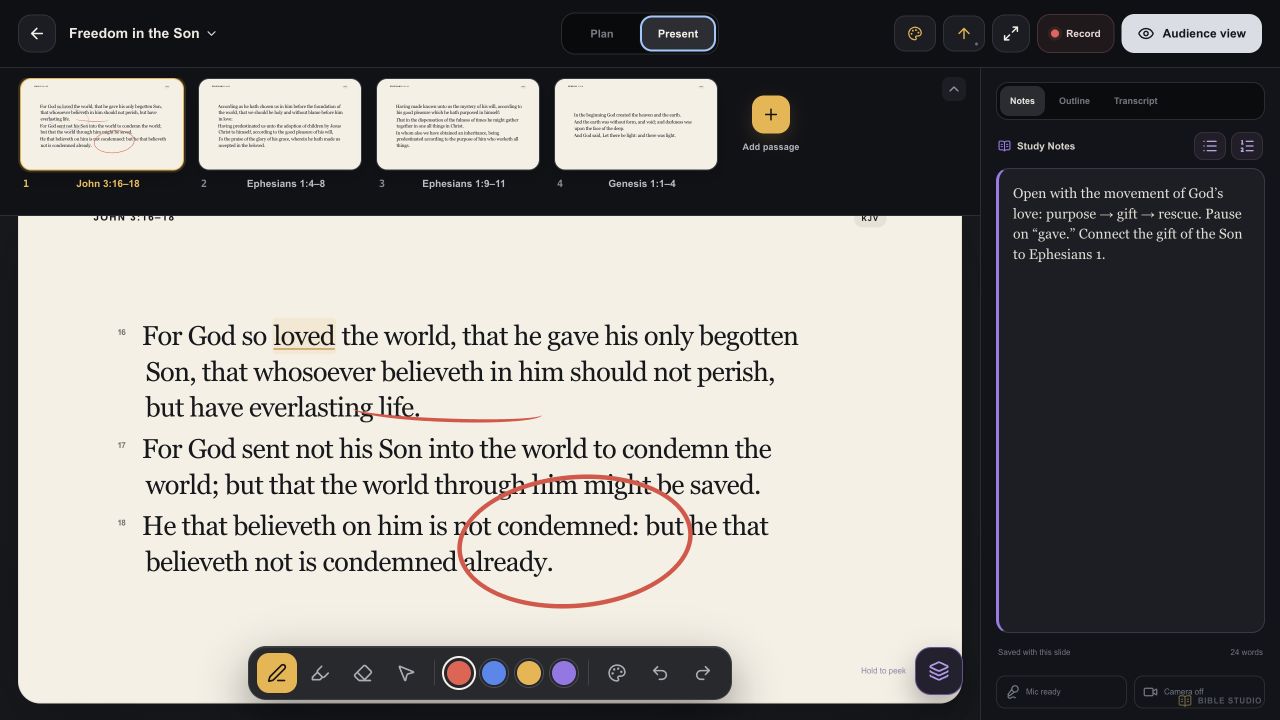 Private notes
04 · Record
Capture microphone, camera, passage changes, verse focus, and annotation states as the lesson unfolds. The final take remembers the movement, not only the last frame.
Paste text you have permission to use, add an optional reference and translation credit, and preview it as teaching slides.
Underline, circle, and write directly on Scripture to help people see what’s already there in the text.
Capture the full lesson, including your voice and camera, then share it with anyone who missed it.
Switch to a 9:16 lesson mode made for Reels, Shorts, and social teaching.
Bible Studio helps people see the text themselves.
View on the App Store ↗Support
Questions, technical issues, and thoughtful ideas are all welcome. Send a note and it will reach the Bible Studio team directly.